
Restaurant reservations for multi-outlet resorts, managed by restaurant, table and turn
For resorts with multiple restaurants, dining reservations are often the biggest source of guest frustration and the biggest operational headache. GuestMax gives guests self-service booking and gives restaurant teams real control over capacity.
How a guest books, as configured at the demonstration property
Example from the Fantasy Beach Resort demonstration portal. Each property sets its own restaurants, turns and rules.
- The guest signs in to the portal, and the room is taken from their authenticated guest session
- Guest selects the restaurant, for example Chilanguito or Arigato!
- Chooses party size and today or tomorrow
- Picks a turn. Each restaurant has its own turn times (for example 18:00, 19:00, 20:00 or 18:30, 19:30, 21:00)
- A same-day cut-off applies (in the demo, no same-day bookings after 17:00)
- Adds their name, an email address to receive the reservation, and optional comments
Simplified rendering of the demonstration booking screen.
Model each restaurant the way it actually operates
Restaurants
Set up every dining outlet in the property, each with its own details, opening times and imagery.
Seating & tables
Define seating areas and table configurations for each restaurant.
Turns
Set the turns (seating times) for each service and the tables available per turn.
Availability
Control availability by date and turn, so guests can only book what the restaurant can actually serve.
Guest self-service
Guests choose restaurant, date, turn and party size from the guest app, in their own language.
Reservation management
Restaurant teams see, manage and update reservations in the console.
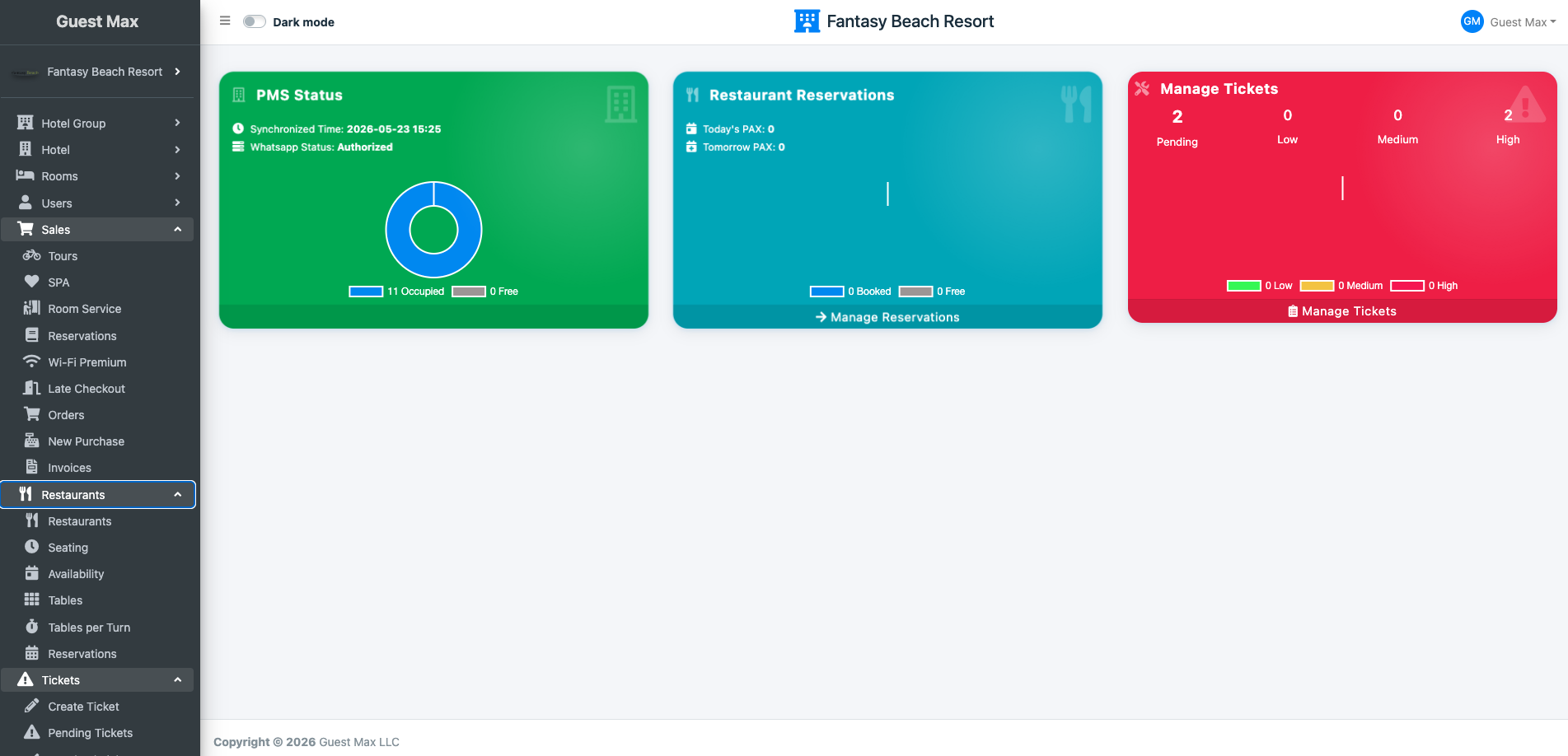
Covers for today and tomorrow, on the dashboard
The operations dashboard shows today's and tomorrow's reserved covers (PAX) next to booked versus free capacity, with one click into reservation management.
- Today's and tomorrow's covers
- Booked versus free capacity
- Direct link to manage reservations
Built for all-inclusive dining
During implementation we configure GuestMax around your dining policy. Rules such as these are confirmed per property during discovery:
| Requirement | How it is handled |
|---|---|
| Several à la carte restaurants with limited seats | Restaurants, tables and turns configured per outlet, with availability controlled by the restaurant team |
| Fair access for all guests | Availability set by date and turn, with booking limited to today and tomorrow and a same-day cut-off time in the demonstration configuration |
| Included versus premium dining | Premium dining experiences can be offered as paid services alongside included restaurants |
| Staff-assisted bookings | Reservations can be managed by staff in the console as well as by guests in the app |
| Demand insight | Reservation reporting by restaurant and turn |
Package entitlements (for example, a number of à la carte dinners per stay) are reviewed with each resort during discovery to confirm the best configuration.
See the reservation engine with your restaurants
Tell us how many outlets and turns you run. We'll show how guests would book and how your hosts would manage it.