
One guest action, seen by everyone who needs it
See how a single guest action moves through GuestMax: from the guest's phone, to the team that delivers it, to the management view. Choose a workflow below.
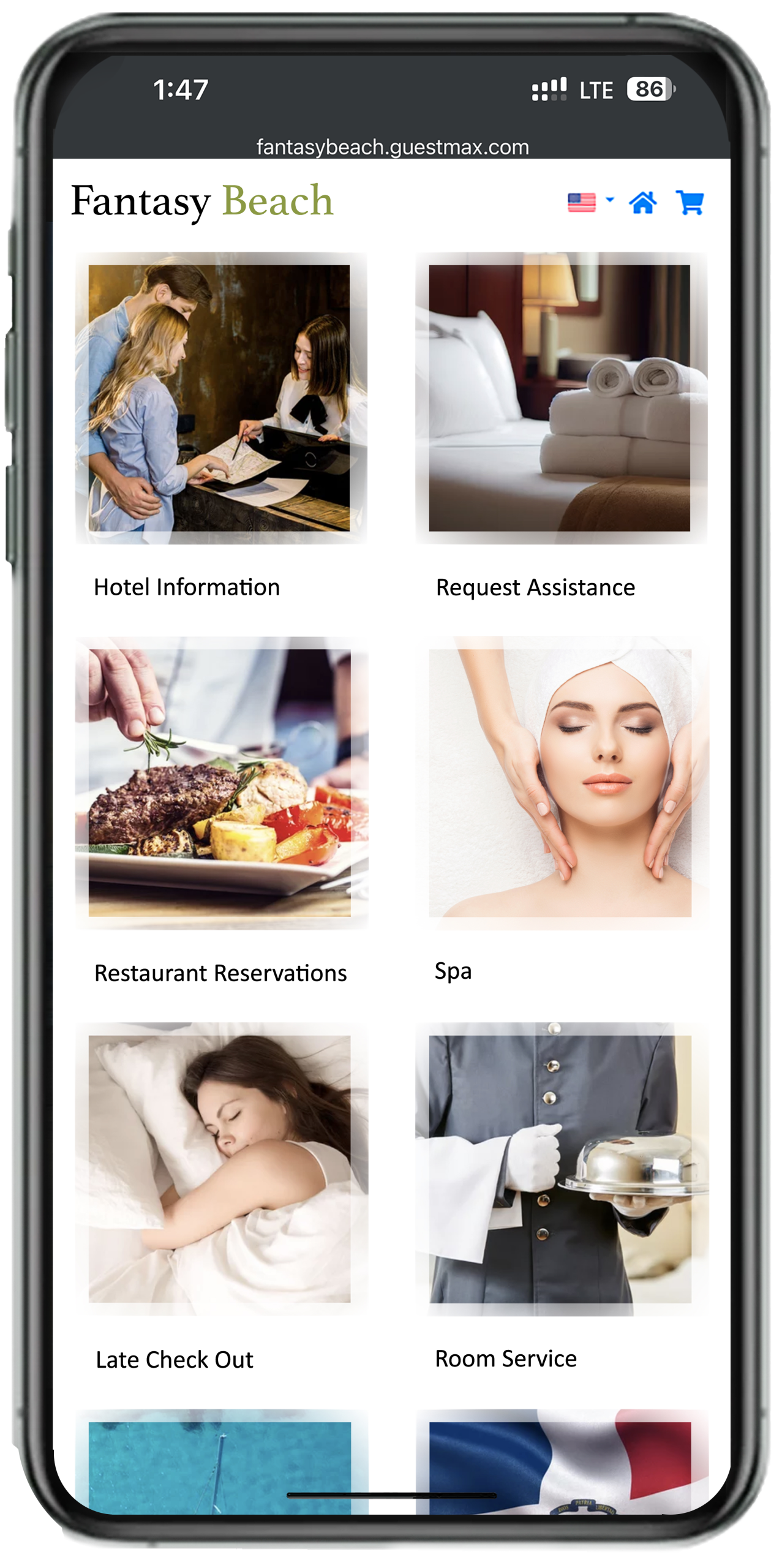
Books a table from the room
The guest opens the hotel portal, chooses the restaurant, date, turn and party size, and confirms.
Sees it in the reservation list
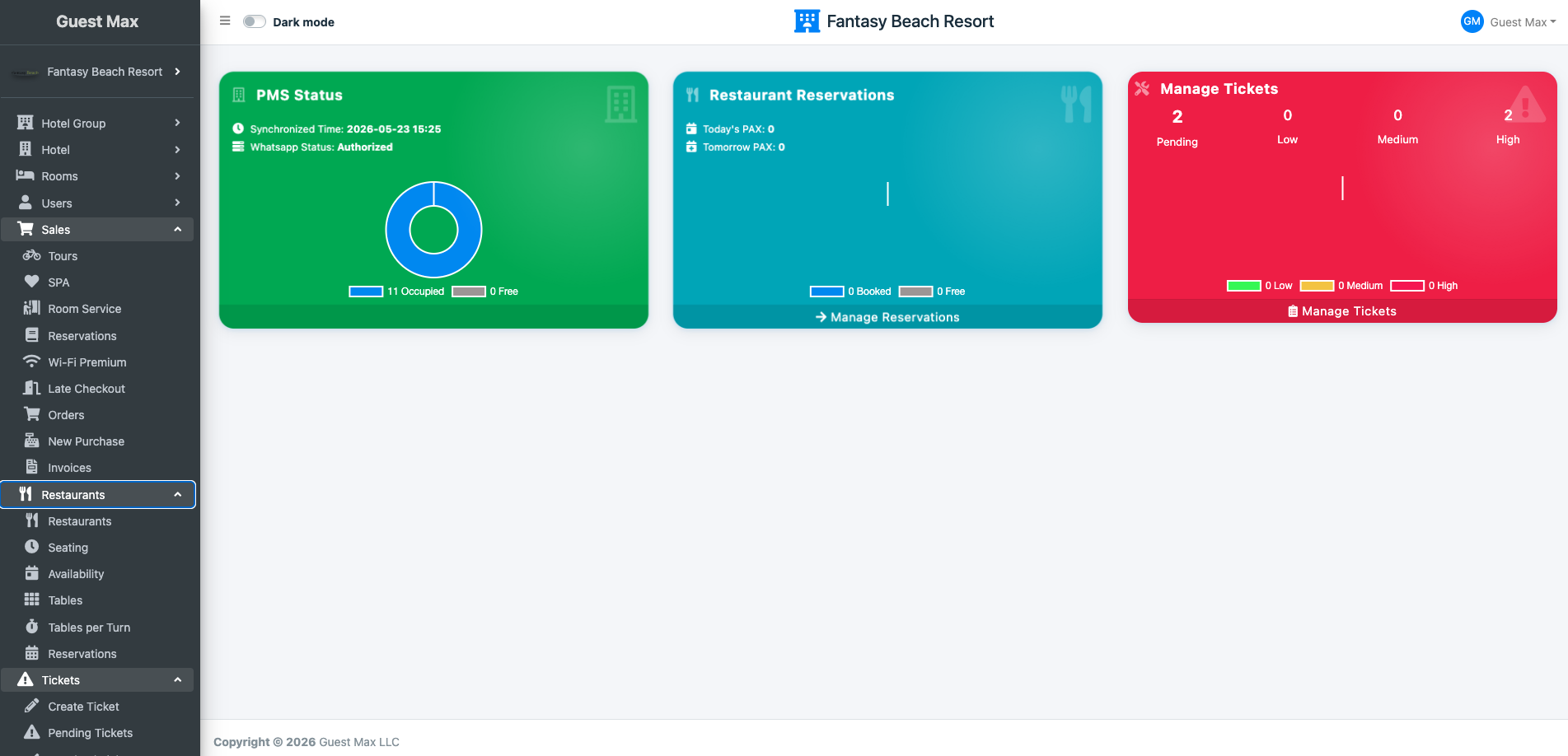
The booking appears in the restaurant's reservations, against the tables available for that turn.
Tracks covers and demand
The dashboard shows today's and tomorrow's covers, and reports show demand by restaurant and turn.
Asks for extra towels
No phone call needed. The guest sends the request in their own language.
Receives a ticket
A ticket is created with a priority and routed to the responsible department.
Sees escalations
Unresolved tickets escalate, and service KPIs show volumes and resolution by department.
Orders champagne and flowers
The guest adds a celebration package to the cart and checks out.
Fulfils the order
The order appears in the console, linked to product inventory.
Sees the revenue
Sales and transaction reports show revenue by product, service and outlet.
Reviews one property
Each property has its own dashboard, outlets, services and staff.
Compares properties
Group users compare service and sales KPIs across properties.
Sees the portfolio
Cross-property business intelligence supports decisions across the portfolio.
Illustrative screens with sample data, simplified to show the flow. The live demo uses the real GuestMax interface.
The real interface
Screens from the GuestMax demonstration property.
See it live with your own scenarios
Book a demo and we'll walk through the workflows that matter most to your property.